
LEDinside FR-S CE Robotic Vacuum Cleaner Instructions
- May 15, 2024
- LEDinside
Table of Contents
LEDinside FR-S CE Robotic Vacuum Cleaner
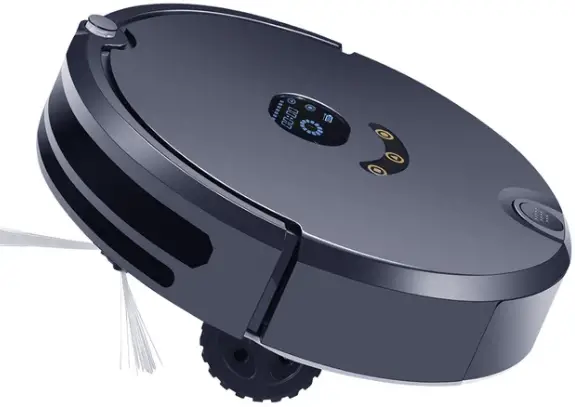
Product Information
Specifications
- Type: Robotic Vacuum Cleaner
- Model: 71
- Vent Hole: Included
Product Usage Instructions
Setup
Before using the robotic vacuum cleaner, ensure it is fully charged by connecting it to the charging dock.
Operation
Press the power button to start the vacuum cleaner. You can also program cleaning schedules using the provided remote control or app.
Maintenance
Regularly empty the dustbin and clean the filters to maintain optimal performance. Check for any blockages in the vent hole and clear them if necessary.
Storage
Store the robotic vacuum cleaner in a cool, dry place when not in use to prevent damage.
Frequently Asked Questions
Q: How often should I clean the filters?
A: It is recommended to clean the filters every 2-4 weeks, depending on usage.
Q: Can the robotic vacuum cleaner be used on carpets?
A: Yes, the robotic vacuum cleaner is designed to work on both hard floors and carpets.
PRODUCT OVERVIEW
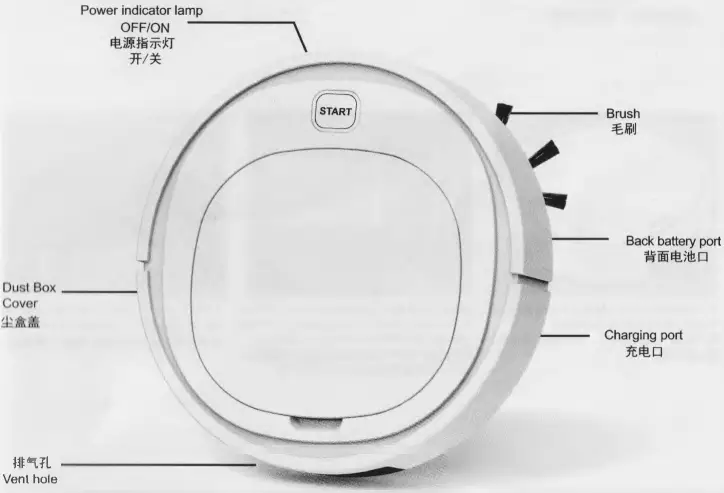
FEATURES
Product Introduction
- Product Name: Robotic Vacuum Cleaner
- Product Specification: 280X280X68mm
- Charging Time: 3h (USB Charging )
- Product Weight: 580g
- Working Hours: 90min
- Working Voltage: 3.7V/1200mAh
INSTALLATION
- This product is a robotic vacuum cleaner, dusting and mopping functions.
- Before the first ues of the product, remove the insulation sheet on the battery cover and connect the battery correctly (as shown)
- The brush on the back of the machine can be installed, removed and cleaned.
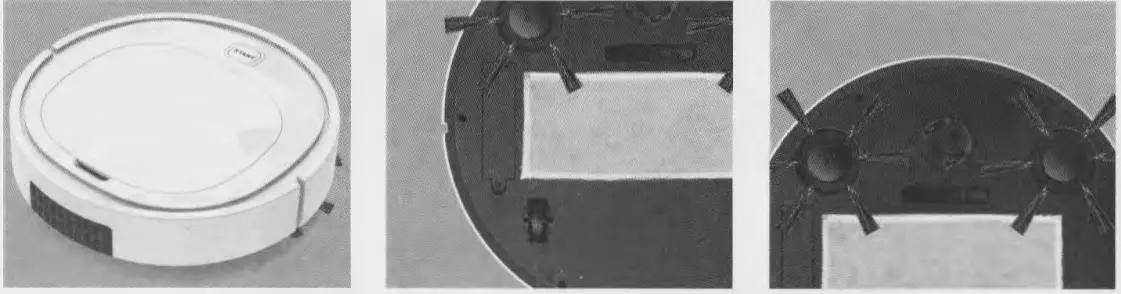
- Now it can be used normally. Press the power switch and the battery indicator is blue.
- The function of mopping the floor is to paste the mopping cloth at the bottom of the product correctly.
- Low voltage indication. When the blue light flickers, please turn off the switch in time to charge the product. If the product has stopped working, please charge the product after pressing the switch once.
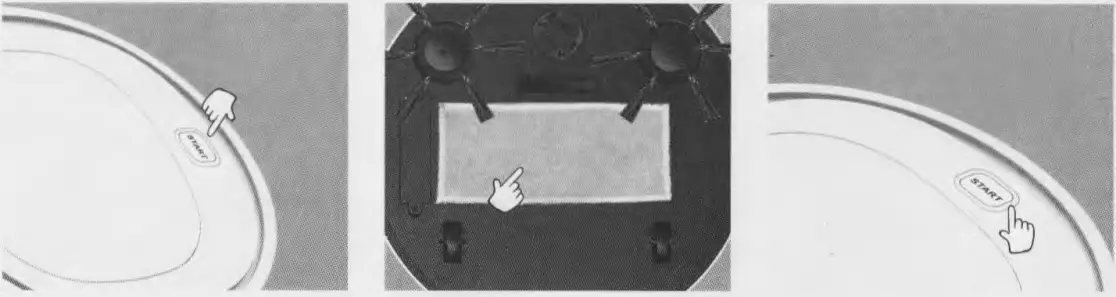
- Pull-up can be pulled out of the dust box plate.
- Pull out the partition board of the dust box and clean up the dust inside e dust box
- Reload the dust box for the next use
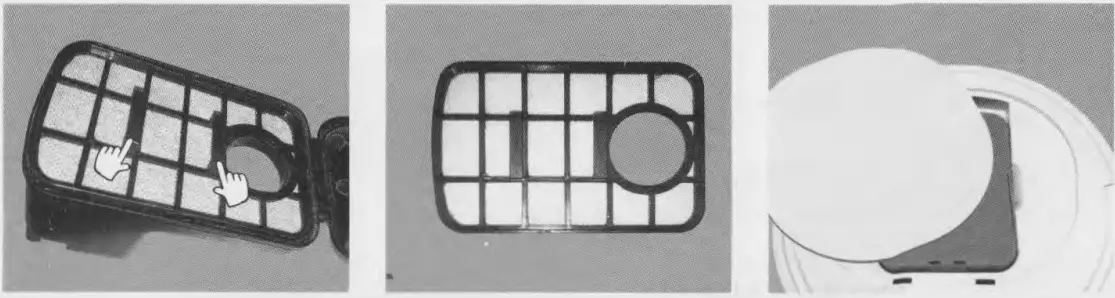
Functional note
- This product has a long battery life,90 minutes of continuous operation,USB charging, the indicator light is blue.
- Lengthen the brush without dead ends.
- Low noise
PRODUCT CERTIFICATE
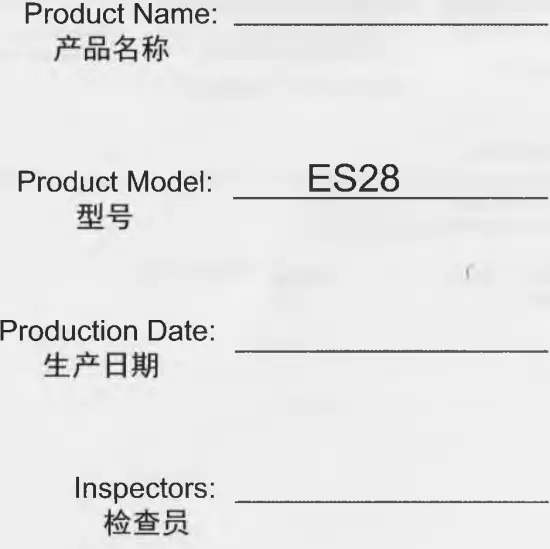
This product has been tested and found to meet the required quality standards and is allowed to leave the factory.
Read User Manual Online (PDF format)
Read User Manual Online (PDF format) >>